
Payer-specific documentation means the chart content a particular payer requires before it pays for a particular service. Medicare, Medicaid and each commercial plan set their own rules, so a note that clears one payer can be denied by another. The practices that keep their revenue treat those differences as a per-payer, per-service checklist applied before the claim goes out, not after the denial comes back. That is the work HIMShield™ does for independent practices: it scans EHR data before submission and shows where documentation falls short for each payer.
TL;DR
- Payers do not share one documentation standard. GAO found in 2019 that Medicare and Medicaid often set different requirements for the same services.
- Every note needs the same base: services provided, level of care billed, medical necessity and a valid signature. Payer rules then add detail on top.
- Find each payer's requirement by code, using its provider manual, policy library or lookup tool, and record it in a per-payer matrix.
- When a payer asks for records, answer inside the deadline. A late response can mean a denial.
- Scoring notes against payer rules before claims go out is cheaper than appealing afterward.
Table of Contents
- What payer-specific documentation means
- Why requirements differ by payer
- The documentation base every payer expects
- How to find a payer's requirements for a specific code
- What changed recently, and what is coming
- What to do when a payer asks for records
- Common failure points in small practices
- Where HIMShield fits
- Our perspective
- FAQ
- Sources
What payer-specific documentation means
A payer is any organization that pays your claims: Medicare through its Medicare Administrative Contractors (MACs), state Medicaid programs, Medicare Advantage plans and commercial insurers. Each one publishes coverage policies, provider manuals and prior authorization lists. Those documents say what the record must contain for a code to be paid.
The overlap is large, and so is the gap. CMS's guidance on medical record documentation says records should support the services provided, the level of care billed and medical necessity, and meet signature requirements. Every payer expects those basics. Beyond them, payers diverge on:
- which diagnoses or clinical findings justify a service
- how much history, exam or time detail must appear in the note
- which orders, forms or attestations must accompany the claim
- whether prior authorization is needed and what it must include
- how fast records must be produced on request
For a small practice, this means one visit type can need different proof depending on the insurance card the patient hands over.
Why requirements differ by payer
The differences are not accidents. Payers write policy for their own risk, their own contracts and their own legal authority. Medicare coverage rests on federal rules and local coverage decisions made by each MAC. Medicaid is run by states. Commercial payers set terms in provider contracts and manuals.
GAO's 2019 report on Medicare and Medicaid documentation noted that the two programs often differ in documentation requirements for the same services, and that this can contribute to variation in error rates. If two government programs diverge, the spread across dozens of commercial plans is wider.
Another source of variation is contract language. Plans can require you to keep records consistent with state and federal law, licensing, accreditation and reimbursement rules so they are available for audit. Humana's 2026 Provider Manual states that obligation. Signing a payer contract means you accepted that payer's version of the rules.
The documentation base every payer expects
Before you layer on payer rules, make sure the base is right. CMS lists insufficient documentation as a leading cause of claim errors, and it describes three patterns in its record documentation fact sheet:
- Authenticity gaps. The record lacks a provider or supervising signature.
- Insufficient detail. The note does not support the service level or medical necessity.
- Missing order intent. The record does not show the intent to order a service.
The third is easy to miss. For lab services, CMS says the physician must clearly document the intent to order specific tests in the medical record, and an unsigned order alone may not support that intent.
For incident-to services, the record must include the care plan written by the supervising physician or non-physician practitioner, per CMS documentation guidelines. Practices that bill through midlevel providers should check this on every such claim.
Those same guidelines describe the medical record as a chronological, factual history of the patient's care. Chronological order, legible entries and dated, authenticated signatures with credentials are what let a reviewer follow the story.
How to find a payer's requirements for a specific code
This is the step most practices skip, because no single place holds every payer's rules. Work through it in this order.
Step 1: List your payers and your top codes
Pull the last 12 months of claims and rank payers by revenue. Then rank the CPT and HCPCS codes by volume and by denial rate within each payer. Start with the top five payers and the codes that generate the most dollars or the most denials. Evaluation and management levels, chronic care management, prolonged services and procedures with modifiers usually belong on that list.
Step 2: Locate the payer's written rule
For each payer and code, look in three places: the provider manual, the medical or coverage policy and the prior authorization list. Some payers publish tools that do the matching for you. Anthem, for example, offers a Clinical Documentation Lookup Tool that returns recommended documentation for prior authorizations or claims when you enter CPT or HCPCS codes.
For Medicare, read the national policy and your MAC's Local Coverage Determinations (LCDs), the regional rules that say when a service is covered. Auditors check records against these policies, and CMS-linked guidance points practices to the relevant LCDs when auditing their own records.
Step 3: Turn the rule into a note requirement
A policy paragraph does not help a physician at 4:45 p.m. Convert it into observable elements: "diagnosis X with duration," "failed conservative therapy documented," "time recorded with start and stop," "order signed and dated." If a physician cannot see the element in the note, it will not get documented consistently.
Our guides on medical necessity documentation examples and the 9-point documentation checklist for 99214 show how to make that conversion for common visit types.
Step 4: Build a payer matrix
A simple grid keeps the work usable. Here is a sample row structure:
| Payer | Code | Required elements | Prior auth | Where the rule lives |
|---|---|---|---|---|
| Medicare (your MAC) | 99214 | Medical necessity, MDM or time, signature | No | National policy and LCD |
| State Medicaid | 99214 | Date, service, staff, notes | Varies by plan | State provider manual |
| Commercial plan A | Procedure code | Clinical criteria, prior notes | Yes | Plan medical policy |
The matrix will age. Payers revise policies often, so assign an owner and a review cadence, such as quarterly, and log the revision date next to each rule.
Step 5: Check notes before the claim leaves
The matrix only pays off if it is applied to real charts before submission. A coder checking every note against every payer's rules by hand does not scale in a practice with a handful of providers. This is where automation earns its place, and we return to it below.
What changed recently, and what is coming
Two changes matter to documentation workflows.
First, Medicare Advantage rules narrowed how plans use prior authorization. The 2024 Medicare Advantage and Part D Final Rule (CMS-4201-F) says coordinated care plans may use prior authorization only to confirm diagnoses or other medical criteria or to ensure medical necessity. It also requires an approved course of treatment to stay valid as long as it is medically reasonable and necessary. Your documentation therefore needs to show the criteria, not just the request.
Second, electronic prior authorization is becoming standardized. According to the AHA's 2027 guide to interoperability and prior authorization, Medicare Advantage, Medicaid, CHIP and Marketplace plans must support standardized electronic prior authorization transactions starting in January 2027. Standard transactions make the request easier to send. They do not remove the need for a chart that supports it, so structured, complete notes become more valuable.
CMS also lists services, such as blepharoplasty, botulinum toxin injections and rhinoplasty, that need prior authorization under its nationwide outpatient department program. Check any such service in your schedule against the current list.

What to do when a payer asks for records
A record request is the moment payer-specific documentation is tested. MACs and other review entities use Additional Documentation Requests (ADRs) to collect the records that support payment, per CMS's ADR page. That page says you must submit documentation for the billing period under review within the applicable timeframe, and that failing to respond in time may result in claim denial.
Use a fixed routine:
- Log the request the day it arrives. Record payer, claim, patient, reviewer and due date.
- Read exactly what is asked. Match the request to the claim lines and dates of service.
- Pull the full record. Include notes, orders, signatures, care plans and any attestations tied to the service.
- Check signatures and dates. Missing authentication is a leading cause of errors. Fix it through the payer's accepted method, not by altering the chart.
- Write a short cover summary. Point the reviewer to where each requirement is met.
- Send and keep proof of delivery before the deadline.
When a payer does not say what it needs, send the full, signed record for the service period and the supporting order or care plan. Complete, specific records are what get claims paid.
The same discipline applies to random samples. Under the Comprehensive Error Rate Testing (CERT) program, CMS reviews a random sample of claims to see whether coverage, coding and medical necessity rules were met, as its documentation fact sheet explains. You do not choose which claims get reviewed, so every claim needs to be defensible.
Common failure points in small practices
Independent practices tend to lose money in the same places:
- Templates built for one payer. A note template tuned to Medicare gets used on a commercial plan with different criteria.
- Time and complexity not recorded. Higher-level visits and prolonged services need notes that show what justified the level.
- Signatures and orders lagging the claim. Charts closed after billing leave gaps a reviewer will find.
- Chronic care records scattered. Chronic care management requires specific records, and they often sit in different places.
- Modifier support missing. Payers expect the chart to explain why, for example, modifier 22 applies.
- Telehealth differences. Rules for audio-only visits vary by payer and by code.
These are the reasons documentation drives reimbursement in physician practices. When a denial does arrive, the playbook for medical necessity denials shows how to recover it, but the cheaper fix is catching the gap earlier.
Where HIMShield fits
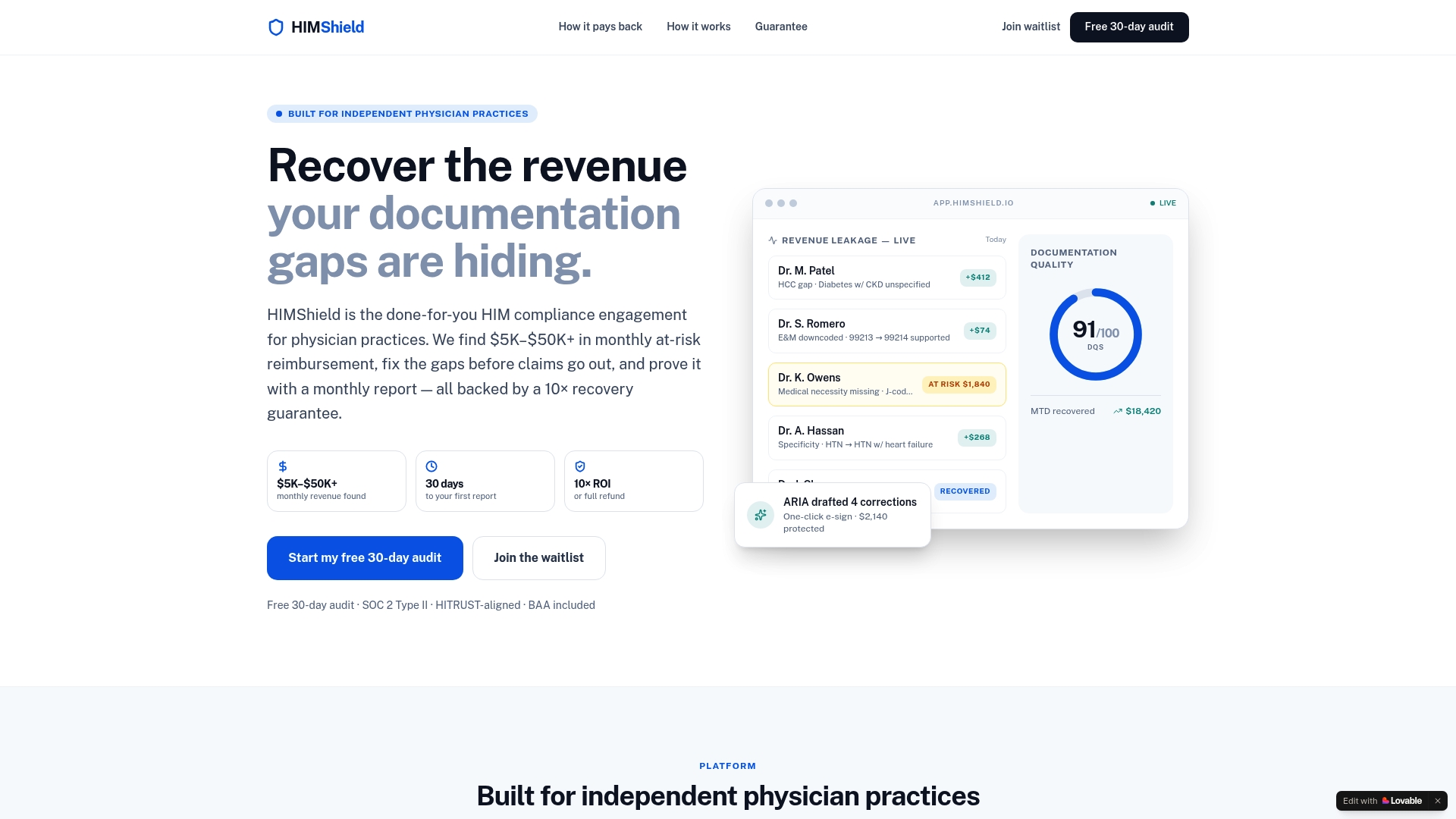
Maintaining a payer matrix and checking every chart against it is the part practices rarely have staff for. HIMShield is an AI-powered platform built for independent physician practices. It identifies and quantifies coding, documentation and charge-capture gaps in EHR data before claims are submitted, and it produces per-provider, per-payer Revenue Leakage Reports, so you see which payer and which provider each gap belongs to.

It also gives real-time documentation quality scoring, sends automated compliance alerts and drafts corrections that a physician can approve with one-click e-signature. When a payer audit arrives, it assembles submission-ready responses. It works without new staff or software training for your team.
The starting point is the free 30-day Revenue Leakage Audit. It quantifies leakage in your own data, and it comes with our performance guarantee before any paid subscription begins.
If you want the whole engagement, including compliance support across payers, see our HIM compliance engagement. For a deeper look at one of the biggest payer-specific risks, read how a 30-day audit addresses Medicare medical necessity denials.
Our perspective
Practices often think of payer rules as a reading problem: find the policy, read it, tell the doctors. We see it as a data problem. The rules are written per payer and per code, and the evidence of compliance lives in the EHR. That is why we built HIMShield to look at the chart and the payer together.
A physician should not have to memorize which plan wants what. Our approach is to score documentation as it is written, flag the gap while the visit is fresh and draft the correction for the physician to sign. Our design is to take the burden off your staff, not add training sessions to their week.
The free 30-day audit exists for a simple reason: you should see the dollars by provider and by payer before you decide anything. We back it with a performance guarantee because we are confident in what a scan of your own claims data will show.
Elena
FAQ
Is payer-specific documentation the same as medical necessity documentation?
Not quite. Medical necessity is one part of it, and every payer requires it. Payer-specific documentation also covers signatures, orders, care plans, prior authorization elements, time or complexity detail and how fast you must produce records. The payer's own policy decides which of these apply to a given code.
Where do I find a payer's documentation requirements?
Start with the payer's provider manual, its medical or coverage policies and its prior authorization list. For Medicare, add your MAC's Local Coverage Determinations. Some payers also publish code-based lookup tools, such as Anthem's documentation lookup, which returns recommended documentation when you enter a CPT or HCPCS code.
What happens if I miss the deadline on a records request?
For Medicare, CMS states that failing to respond within the applicable timeframe may result in claim denial. Log every request the day it arrives, record the due date and send complete records with proof of delivery. Commercial payers set their own deadlines in their manuals and contracts.
Do the electronic prior authorization changes in 2027 reduce documentation work?
They standardize how requests are sent, not what the chart must prove. The AHA summary says certain plans must support standardized electronic transactions starting in January 2027. Complete, structured notes will still decide whether the request is approved.
Sources
- GAO-19-277: Medicare and Medicaid, CMS Should Assess Documentation Requirements
- CMS MLN909160: Complying with Medical Record Documentation Requirements
- CMS: Complying with Laboratory Services Documentation Requirements
- CMS: 1995 Documentation Guidelines for Evaluation and Management Services
- Anthem Provider News: Clinical Documentation Lookup Tool
- Humana 2026 Provider Manual
- CMS: 2024 Medicare Advantage and Part D Final Rule (CMS-4201-F)
- AHA: Interoperability and Prior Authorization
- CMS: Outpatient Department Operational Guide
- CMS: Additional Documentation Request