
Use modifier 26 for the professional component (the physician's interpretation and signed report) and modifier TC for the technical component (equipment, technologist time, and supplies). Before appending either one, confirm the code is split-eligible by checking the PC/TC indicator in the CMS Physician Fee Schedule. An indicator of "1" typically allows separate billing.
TL;DR:
- Check the current CMS Physician Fee Schedule indicator before adding either modifier; indicator 1 permits separate components, while other values may prohibit splitting.
- Modifier 26 covers the physician’s interpretation and signed report; modifier TC covers imaging equipment, technologist time, supplies, and related facility costs.
- Match the professional claim’s place of service to where the technical work occurred; an outpatient hospital scan generally requires POS 22, not office POS.
- Check each payer’s split rules, confirm which entity performed and billed the technical component, and retain interpretation documentation to support modifier 26 claims.
- Repeat code reviews after each NPFS release because indicator values can change, and log the technical billing entity for audit requests.
Table of Contents
- Professional Component vs Technical Component: What Each One Covers
- Checking Split Eligibility With the CMS PC/TC Indicator
- Billing Logistics: Modifier Placement, Claim Lines, and Place of Service
- Common Errors That Trigger Denials and Audits
- A Practical Checklist for Verifying PC/TC Billing Before Submission
- Why Routine PC/TC Reviews Pay for Themselves
- Catch Modifier 26 and TC Errors Before They Cost You
- FAQ
- Sources
Professional Component vs Technical Component: What Each One Covers
Modifier 26 reports the physician's cognitive work: reading the study, forming a clinical impression, and signing a written report. The relative value units attached to the professional component reflect that interpretive labor, not equipment or facility costs.
Modifier TC covers everything required to produce the image or tracing itself: the machine, the technologist who operates it, supplies, and the facility overhead tied to running the equipment. Some CPT codes already describe only one piece of the service, and recognizing that wording early prevents a modifier error downstream.
- Check the PC/TC indicator to determine whether a code is professional-only and whether modifier TC is appropriate.
- Check the PC/TC indicator to determine whether a code is technical-only and whether modifier 26 is appropriate.
- A code that describes the complete service may be global. Check the PC/TC indicator and applicable billing guidance before billing components separately.
Getting this distinction right at the code level is the single biggest factor in whether a modifier belongs on the claim at all. For a broader look at how modifiers function across physician billing generally, see our modifier usage guide.
Checking Split Eligibility With the CMS PC/TC Indicator
The PC/TC indicator is a field in the CMS Physician Fee Schedule Relative Value File that helps determine whether modifier 26, modifier TC, both, or neither is appropriate for a code. An indicator of "1" means the code has distinct professional and technical components that may be billed separately or together as a global service. Other indicator values flag codes that are professional-only, technical-only, bundled into another service, or otherwise not eligible for a split.
To verify a code before billing it:
- Pull the current year's Physician Fee Schedule Relative Value File or use a searchable lookup tool.
- Locate the PC/TC indicator column for the specific HCPCS or CPT code in question.
- Confirm the indicator value matches the component you intend to bill, not just the code description alone.
The 2026 Medicare conversion factor is $33.4009, and CMS uses the PC/TC indicator system specifically to make sure payment matches the component actually performed. A code with an indicator of "1" that gets billed globally when two different entities performed the work, or billed with 26 or TC when it was never split-eligible in the first place, is miscoded regardless of how clean the rest of the claim looks.
Do not append 26 or TC to a code unless the NPFS indicator and applicable payer guidance support doing so.

Billing Logistics: Modifier Placement, Claim Lines, and Place of Service
Once you have confirmed a code is split-eligible, the claim itself needs to reflect that split cleanly.
- Follow the payer's instructions for reporting professional and technical components and their modifiers.
- Follow the payer's instructions for modifier placement when its claims system requires a specific order.
- Match the place of service on the professional component claim to the location where the technical component was actually performed. CMS guidance confirms that the POS for the PC should generally mirror the TC's setting, so a physician interpreting a study from an office while the scan itself happened at an outpatient hospital bills POS 22 on that professional claim, not the office POS.
- When POS assignment is unclear, particularly for inpatient versus outpatient scenarios, consult the applicable Medicare guidance or contact your Medicare contractor before submitting.
Payer behavior varies from there. Some commercial plans will not reimburse a technical component to the physician at all when the facility already billed it, since the technical cost is bundled into the facility's payment. Others track MPFS splits closely and recoup automatically when the numbers do not reconcile. Knowing your top payers' specific PC/TC policies, not just the Medicare baseline, is part of getting these claims right the first time.
Common Errors That Trigger Denials and Audits
Most PC/TC denials trace back to a handful of repeatable mistakes.
- Appending modifier 26 or TC to a code that is already professional-only, technical-only, or global, which the NPFS never classified as split-eligible.
- Billing the technical component when the facility, not the practice, performed and should be billing that portion.
- Mismatching the place of service on the professional claim against where the technical component actually happened.
- Billing a global code when only one component of the service was actually furnished.
Payer systems that reapply MPFS split logic can catch these errors automatically, recalculating what should have been paid and flagging the difference as an overpayment subject to recoupment. That exposure sits quietly on the books until a payer audit surfaces it, often well after the claim paid out.
Documentation should support the billing choice. Check applicable CMS and payer requirements for when a written interpretation report is needed to support modifier 26.
Pro Tip: Keep a log of codes your practice bills with modifier 26 or TC, noting which entity performed the technical component, so you can respond more efficiently to payer audit requests.
A Practical Checklist for Verifying PC/TC Billing Before Submission
A short, repeatable review catches most PC/TC problems before they become denials.
- Check each candidate code's PC/TC indicator in the current Physician Fee Schedule Relative Value File.
- Confirm which entity, your practice or the facility, billed the technical component for the encounter.
- Check applicable requirements for interpretation reports when modifier 26 appears on a claim.
- Check the POS on the professional component claim against the setting where the technical component was performed, applying relevant CMS guidance.
- Review the specific payer's PC/TC policy, since plan rules can differ from Medicare guidance.
Run this check regularly and after NPFS releases, since indicator values can change. A billing lead or compliance coordinator should own the review, with results logged alongside the supporting documentation in case a payer requests it later. For documentation standards tied to signed reports and physician sign-off timing, our piece on physician signature attestations covers the related requirements in more depth.
Why Routine PC/TC Reviews Pay for Themselves

Split-component errors rarely show up as one dramatic denial. They show up as a slow drain, a few claims a month paid incorrectly, a few more flagged and reworked by a biller who could have been doing something else. Over time, that can add up in lost revenue and unbudgeted staff hours.
The practices that stay ahead of it treat PC/TC verification as a recurring habit, not a one-time cleanup. Regular checks, paired with staff who understand what the NPFS indicator means for a given code, can help catch issues before a payer notices them.
— Elena
Catch Modifier 26 and TC Errors Before They Cost You
Checking PC/TC indicators code by code, cross-referencing POS rules, and confirming documentation on every modifier 26 claim takes real time, and most practices are already stretched thin without adding a manual audit workflow on top. Our Free 30-day Revenue Leakage Audit does that work for you.
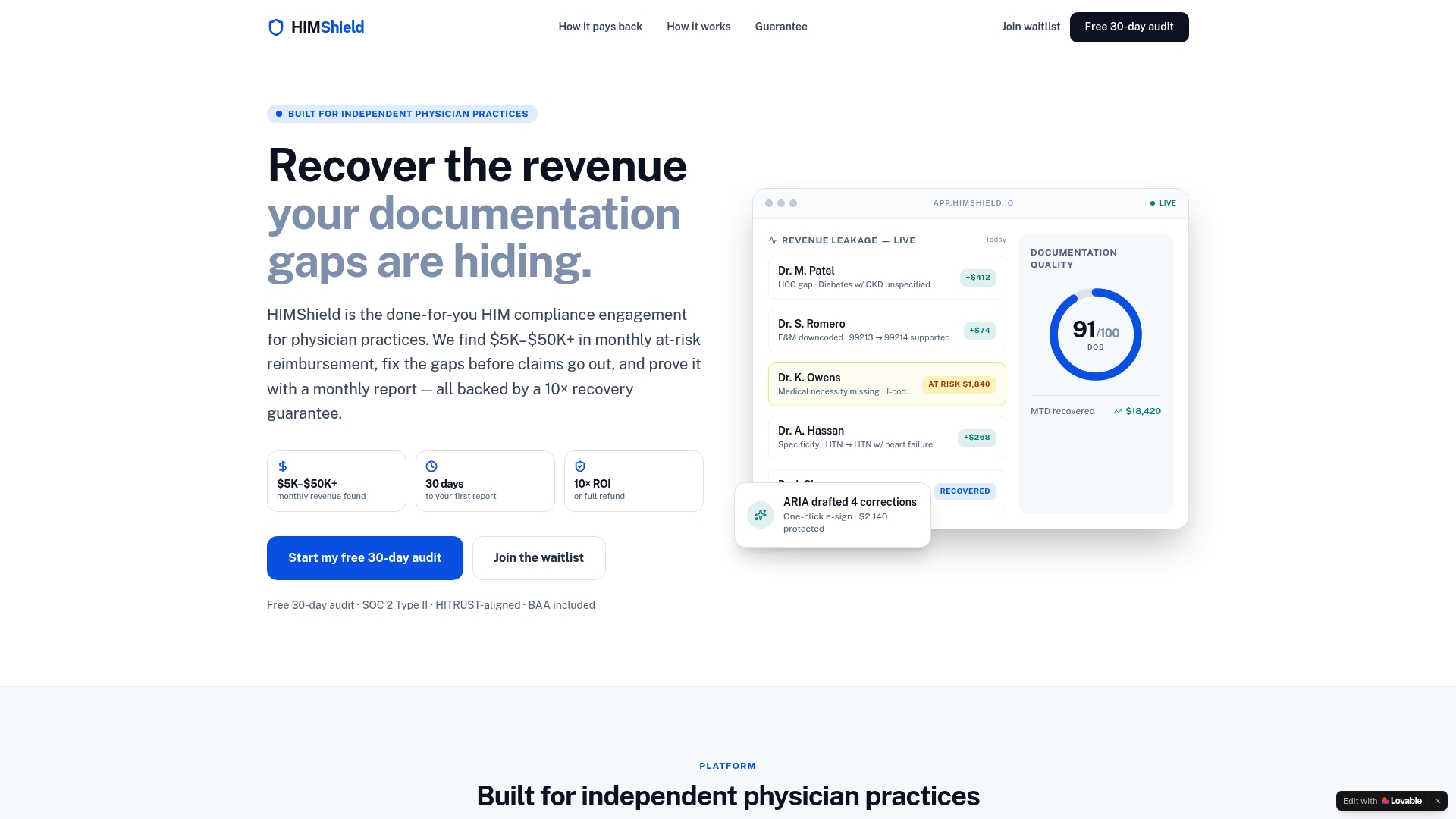
The audit scans your coding, documentation, and charge-capture patterns and quantifies where claims are at risk before they go out the door. It is built for independent physician practices and the administrators who run them, not hospital systems and not individual clinicians outside the billing workflow.
- We identify coding gaps that put claims at risk.
- We identify documentation gaps that put claims at risk.
- We identify documentation gaps that could leave claims unsupported in an audit.
If you want a clear picture of where your practice stands on PC/TC billing and the rest of your revenue cycle, request your free 30-day audit and see what it turns up.
This article is general information, not a substitute for advice from a qualified financial advisor. Consult a qualified financial professional about your own circumstances before acting on anything here.
FAQ
What is modifier 26 used for in medical billing?
Modifier 26 reports the professional component of a diagnostic service, meaning the physician's interpretation and signed written report. It applies only to codes the CMS Physician Fee Schedule lists as split-eligible, and it should never be appended to a code already described as professional-only.
How do I find the PC/TC indicator for a specific CPT code?
Look up the code in the current year's CMS Physician Fee Schedule Relative Value File, where the PC/TC indicator field shows whether that code can be split between professional and technical billing. An indicator of "1" means the code is split-eligible.
What is the difference between modifier 24 and modifier 25?
Modifier 24 and modifier 25 both relate to evaluation and management services rather than PC/TC splits. Modifier 24 marks an unrelated E&M visit during a global surgical period, while modifier 25 marks a significant, separately identifiable E&M service performed on the same day as another procedure.
How do I know if a code needs modifier 26 or TC?
Check the code's PC/TC indicator in the CMS Physician Fee Schedule before billing either modifier. Only codes with an indicator value showing separate professional and technical components, indicator "1", qualify for modifier 26 or TC, while professional-only, technical-only, and global codes do not take either modifier.